Brilliant Tech Company

Integrated software solutions that meet all needs in a comprehensive and innovative manner.

Service

Service

A collection of our wonderful services

1

Design and development of mobile applications

Brilliant Tech's mobile application design and development service aims to provide excellent and innovative user experiences across smartphone platforms. The service includes several stages and processes to ensure the provision of outstanding mobile applications: Analysis and Planning: The work begins with a consulting session to understand the application requirements and the client's goals. The market is analyzed and competition studied to determine the appropriate application strategy. User Interface (UI) and User Experience (UX) Design: The design team creates innovative and engaging user interface designs based on client requirements and best practices in user experience and design. App Development: The development team turns UI designs into a functional mobile app using the latest technologies and best development tools. Application Testing: The application is comprehensively tested to ensure its proper performance and functionality across various operating systems and mobile devices. Publishing and Support: The app is published on the app store (such as App Store for iOS and Google Play for Android) after final approval from the customer. Continuous technical support is also provided to ensure the continuity and safety of the application. Brilliant Tech's mobile application design and development service is concerned with providing applications that are responsive to all screen sizes and compatible with the latest versions of the operating system. Whether you want an innovative business application or to meet your customers' needs, we provide the ideal solutions that exceed your expectations.

Read More

2

Information Systems Design Service

Brilliant Tech's information systems design service focuses on designing and developing integrated information systems that help organizations manage and organize their data effectively and effectively. This service includes several stages and processes to achieve the client's goals: 1. **Needs Analysis**: The client’s needs and the requirements of the required information system are identified, and the desired goals and outputs are determined. 2. **Database Design**: The database structure is designed based on the client's requirements and the type of data being stored and processed. 3. **Application and Interface Development**: Web or mobile applications or other graphical user interfaces are developed that interact with the database and provide an interface for the user to access the data. 4. **Implementing security and protection**: Security and protection measures are implemented to ensure the safety and security of the data stored and processed in the system. 5. **Performance testing and evaluation**: The system is comprehensively tested to ensure that it operates efficiently and effectively and meets customer requirements. 6. **User training and technical support**: System users are trained on how to use it correctly, in addition to providing ongoing technical support to ensure the continuity of the system’s operation. The information systems design service at Brilliant Tech is concerned with providing integrated and innovative information solutions that contribute to improving work efficiency and making the right strategic decisions. Whether you need a customer relationship management system (CRM), a content management system (CMS), or a human resources management system (HRM), we provide the ideal solutions that meet your expectations and achieve your goals.

Read More

3

Graphic Design Service

Brilliant Tech's graphic design service is concerned with creating innovative and attractive visual materials that enhance the brand identity and contribute to achieving the client's goals. This service includes several elements and methods to ensure the provision of innovative and attractive designs: 1. **Determining the client’s needs**: The client’s requirements and project objectives are identified, and the type and subject of the required design are determined. 2. **Research and Analysis**: Comprehensive research is conducted on the industry, competition, and current trends in design to ensure designs stand out and keep up with the latest trends. 3. **Initial Concept Design**: Initial design concepts and ideas are generated based on client requirements and previous research. 4. **Design Development**: The final design is developed using design programs such as Adobe Photoshop, Adobe Illustrator, or any other design tools that suit the needs of the project. 5. **Testing and evaluation**: The design is tested on various devices and browsers to ensure its compatibility and attractiveness to the target audience. 6. **Delivery of final files**: After approval of the final design, high-quality files are delivered, ready for use in print or digital media. Brilliant Tech's graphic design service is concerned with providing innovative and attractive designs that reflect the brand's identity and attract the attention of the target audience. Whether you need to design a logo, brochure, or advertisement, we provide the ideal solutions that meet your needs and achieve your marketing goals.

Read More
Show All
App
  • Brilliant Tech Technology Solutions Company

    At Brilliant Tech, we stand out as a leading company in providing integrated software solutions that efficiently and professionally meet our clients' needs. We combine deep expertise in information technology with continuous innovation to offer the best technical solutions that help our clients achieve their goals successfully.

The Services

What are Brilliant Tech's projects

...
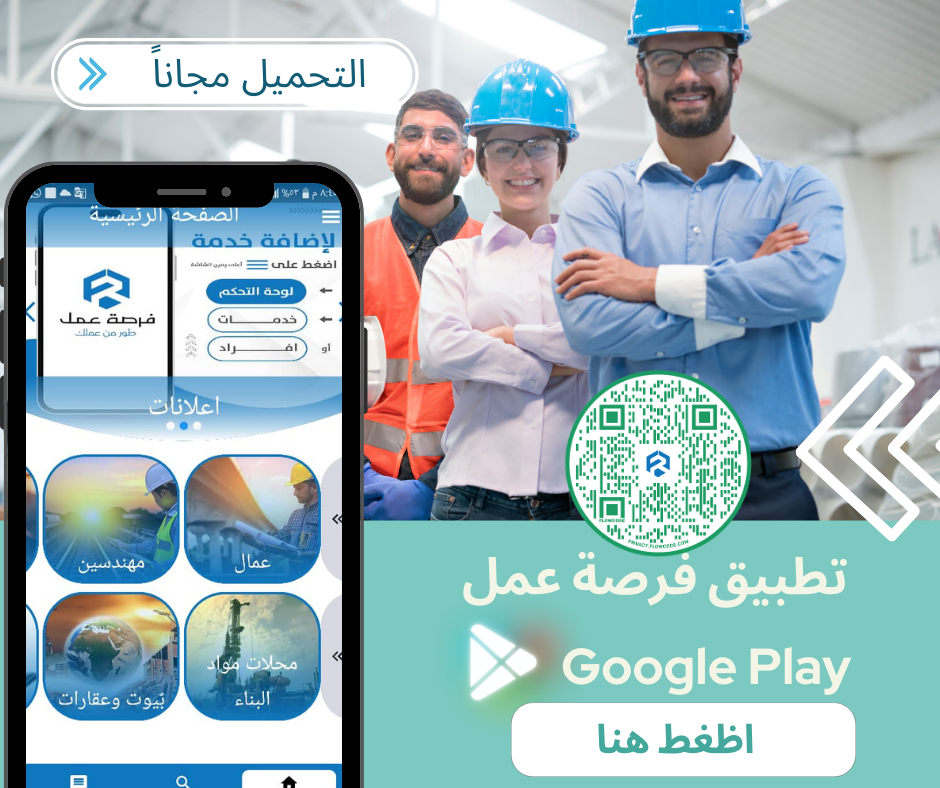
Job Opportunity Application

Register and create a profile: Workers and companies can register on the application and create a personal profile containing information about their experience, skills, and the services they provide. Search and filter: The app allows customers to search for suitable workers using a variety of criteria such as experience, location, and ratings. The ratings and reviews system provides evaluation of workers by previous customers, which helps customers make decisions that match their needs. Submitting offers and requests: Workers can display their services and prices on their personal pages, as well as receive requests and inquiries from customers. Customers can post their requests and negotiate with workers on the required services and prices. Communication and messaging: The application allows workers and customers to communicate directly through the built-in chat feature, facilitating understanding and quickly exchanging information. Dedicated pages can be created for each request or offer, where both interested parties can communicate and discuss the details in more detail. Profile management and evaluation: Users can manage their profiles and update them regularly, as well as review ratings and comments from customers. The ratings and comments system helps build trust between the two parties and improve the quality of services provided.

Show
...
Administrative and Correspondence System

The management and correspondence system is a system that aims to organize and facilitate internal management processes in institutions and facilitate communication between employees. This system includes a set of tools and features that help in managing information and organizing the daily activities of an organization. Here is an explanation of the main components of the management and correspondence system: 1. **Task and Project Management**: - The system allows creating lists of different tasks and projects and assigning them to employees, which helps in organizing work and setting priorities. 2. **Calendar and appointments**: - The system provides an electronic calendar that can be used to track important appointments, schedule meetings, and organize organization-specific events. 3. **Document and file management**: - The system allows documents and files to be stored securely and in an organized manner, making it easier for employees to access and share them. 4. **Electronic correspondence**: - The system provides tools for sending and receiving e-mail linked to the organization’s accounts, which facilitates communication between employees. 5. **Reports and Analysis**: - The system can generate reports and analyzes of employee performance and organization activities, which helps in monitoring performance and making strategic decisions. 6. **Manage schedules**: - The system can create schedules for employees and projects, making it easier for everyone to know the schedule of activities and tasks. 7. **Approvals system**: - The system allows for the establishment of an approval system for internal operations, such as approving leave or expense requests, which facilitates the approval and communication process between departments. 8. **Effective communication**: - The system provides tools for instant communication between employees, such as instant chat, voice and video calls. 9. **User management features**: - The system allows system administrators to manage user accounts and assign permissions based on roles and responsibilities. Using these features, the management and correspondence system can improve internal work organization and facilitate communication and collaboration among employees, contributing to improved efficiency and increased productivity.

Show
...
Prome System

Managing items and sub-items: The system allows users to add, edit and delete items and subcategories. Subclasses can be defined as microclasses that belong to parent classes. This section also includes a function to view reports on existing and available items in stores. Product Management: Users can add new products and edit their information such as name, description, and images. The system provides a function to track the available quantities of each product in stores and update them based on purchases and sales. Unit management: The system allows defining different units of measurement for products, such as pieces, kilograms, liters, etc. It transfers quantities between different units and displays reports on the distribution of units in the warehouses. Store Management: The system allows users to add, modify, and delete stores and storage locations within them. Stock levels can be monitored in each store and transfers between stores can be made when needed. purchase management: The system allows users to create purchase orders to purchase products from suppliers. It tracks the status of orders and distributes products when they are received in warehouses. Sales Administration: The system allows users to create sales invoices for their customers. It can automatically update inventory levels based on sales. Customer Management: The system allows users to add customer information such as name, contact information, billing details and payments. Users can track the history of purchases and payments for each customer, which helps them understand customer behavior and provide better service. Supplier management: The system allows users to add supplier information such as name, contact information, and payment terms. Users can track open orders with each supplier and better manage their business relationships. Account management: The system includes an accounting system that allows users to record financial transactions such as outgoing and incoming invoices and payments. The system can generate financial reports such as income statement, balance sheet, and statement of accounts, which helps in monitoring the company's financial performance. Accounting system: The system provides a simple and effective interface for entering and tracking accounting transactions. It can calculate taxes, deductions, and prepare financial reports accurately and efficiently. Managing users and permissions: The system allows managers to create different user accounts and assign specific permissions to each user based on their role in the company. Permissions can be set to access various modules and functions in the system such as warehouse management, sales, purchases, accounts, etc. The system provides a log of user activities, allowing administrators to track actions performed on the system and monitor unauthorized activity. Support for multiple languages: The system allows users to choose their preferred language from a group of supported languages. A fully localized user interface, including menus, text and instructions, can be provided to provide a comfortable user experience for all users. Multiple styles: The user interface can be customized to suit users' preferences in terms of colors, fonts, and layouts. The system allows choosing different styles of displaying data, such as tables, graphs, and reports, to enable users to analyze data better and effectively. These additions make the system more flexible and customizable, making it easier for users to carry out their tasks efficiently and effectively, and enhancing the final user experience.

Show
Show All